This diverse list of books was selected by the Librarians’ of Japan at their annual May meeting.
Copies of the titles below will be available for checkout in the ASIJ Elementary Library. Most titles will be available in print and on the SORA app. When borrowing books on the SORA app you have 21 days to finish the book. As a courtesy to others, please return the eBook or audiobook using the “options tab” on your SORA bookshelf when you finish the book.
Picture Books


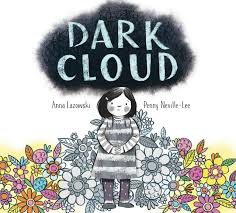




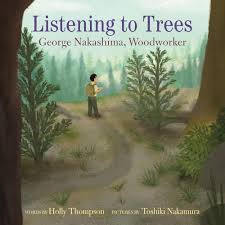

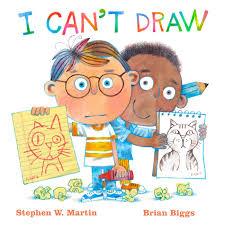






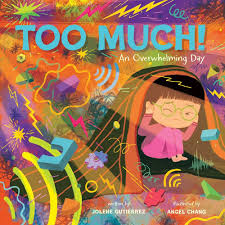

Chapter Books

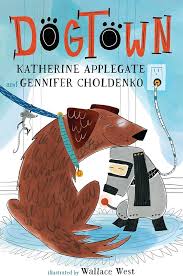




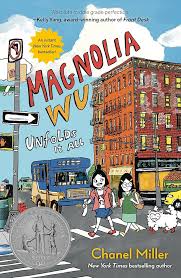
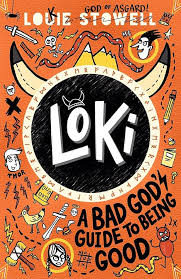
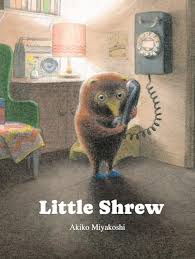


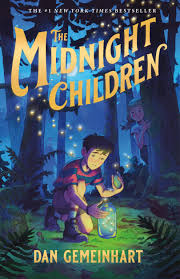


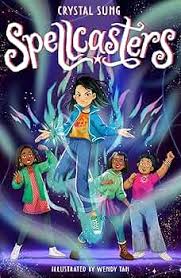
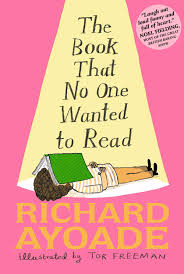


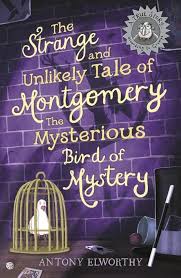

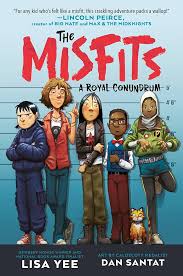
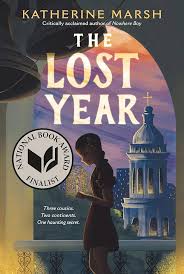

Graphic Novels

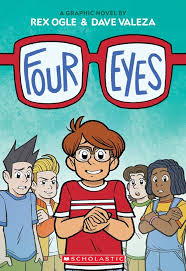
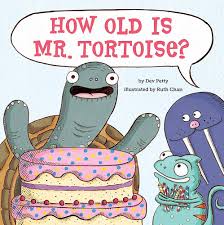
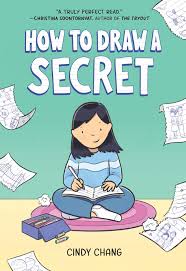

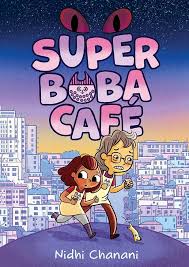
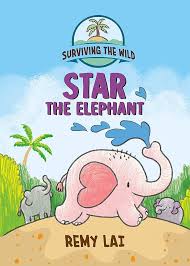
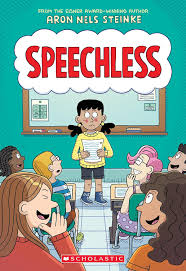

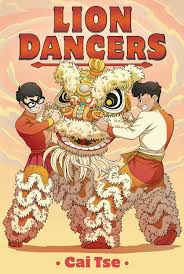
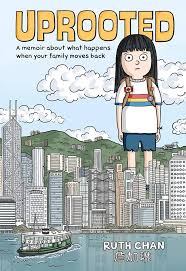
JAPANESE PICTURE BOOKS


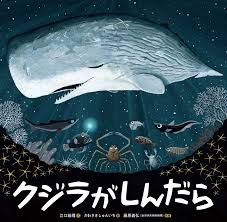
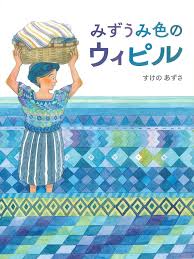
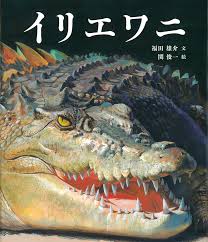


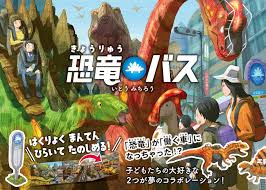

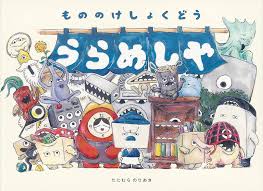
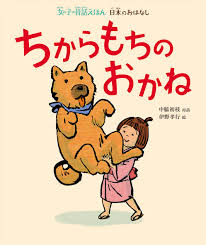
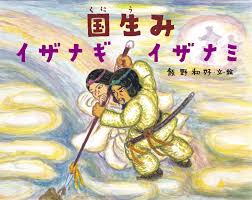



JAPANESE CHAPTER BOOKS



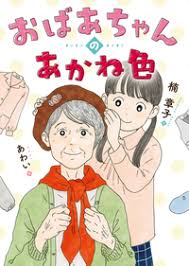





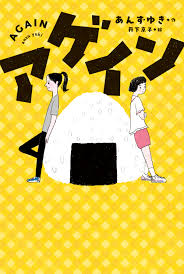


Sakura eBooks & audiobooks on SORA
SORA Login Information
Step 1: Select School – The American School in Japan
Step 2: Select Patron Type – Parent OR Faculty/Student
Step 3: Log In
Step 4: Tap the Explore tab (binoculars icon).
Step 5: Tap Open Book or Open Audiobook to read or listen to the book. Tap Options to renew or return the book.
Step 6: Go to the SORA bookshelf icon and click on OPTIONS to return a book early or to renew a book.
SORA Username & Password Information for Students & Faculty:
Username: ASIJ Gmail account email
Example: 27jonesm@asijac.jp
Password: KG/Gr. 2 school selected password – contact your child’s teacher or help@asij.ac.jp ; Gr. 3 – 5 student-created “super secret password”.
SORA Username & Password Information for Parents:
Username: firstname.lastname (Example: jane.smith)
Password: The password is the Veracross Axiom ID of the parent – it should be a sequence of numbers (Example: 50213).
Parents with Green or Purple ASIJ Parent ID cards: Go online to your Gold Card Membership, click on Family and your ID number will show there.
 ASIJ ES LIBRARY
So excited for reading these books
!